
Welcome to a rich side of fantasy role-playing that offers both adventure and personal growth. This guide will walk you through using the Virtual Tabletop Gaming System, Fantasy Grounds, focusing on its free demo version and the community module “Urban Adventures of Pateia: Shavengmi.” Along the way, we’ll reference excellent online resources to enhance your gameplay and storytelling skills.
Step 1: Installation and Setup

- Install Fantasy Grounds: Download and install the free demo version from the Fantasy Grounds website. This version is perfect for local play. Here’s a helpful setup guide from the Fantasy Grounds official channel.
- Create an Account: Sign up for a Fantasy Grounds account to access community modules and support.
Step 2: Acquire the Module
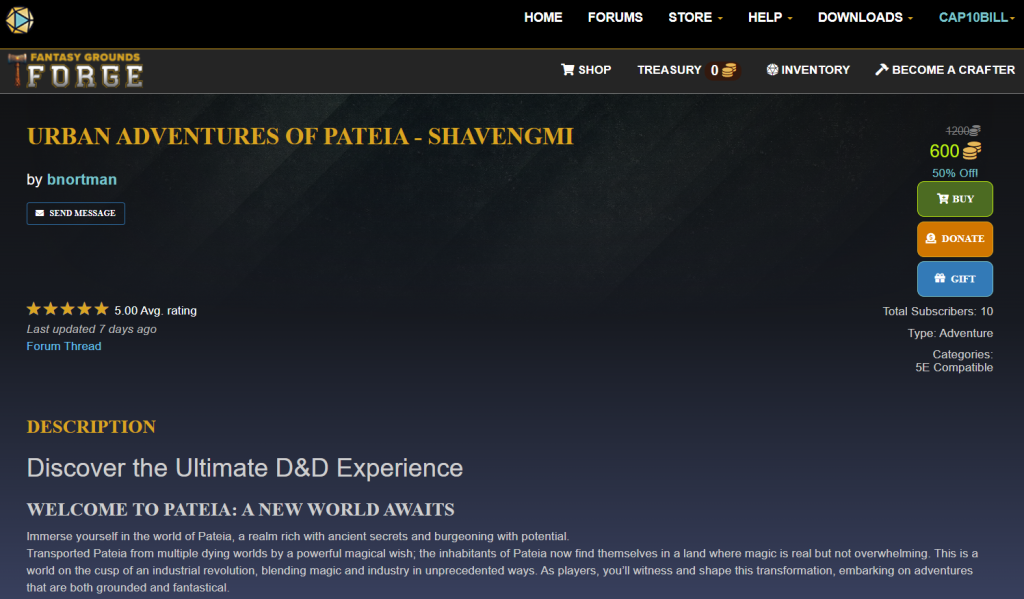
Purchase the Module: Visit the Fantasy Grounds Community website and obtain the “Urban Adventures of Pateia: Shavengmi” module by purchasing with “Gold Pieces.” The Gold currency system in Fantasy Grounds Forge helps maintain low prices for community-crafted items by offsetting potential transaction fees.
Step 3: Launch Your Campaign
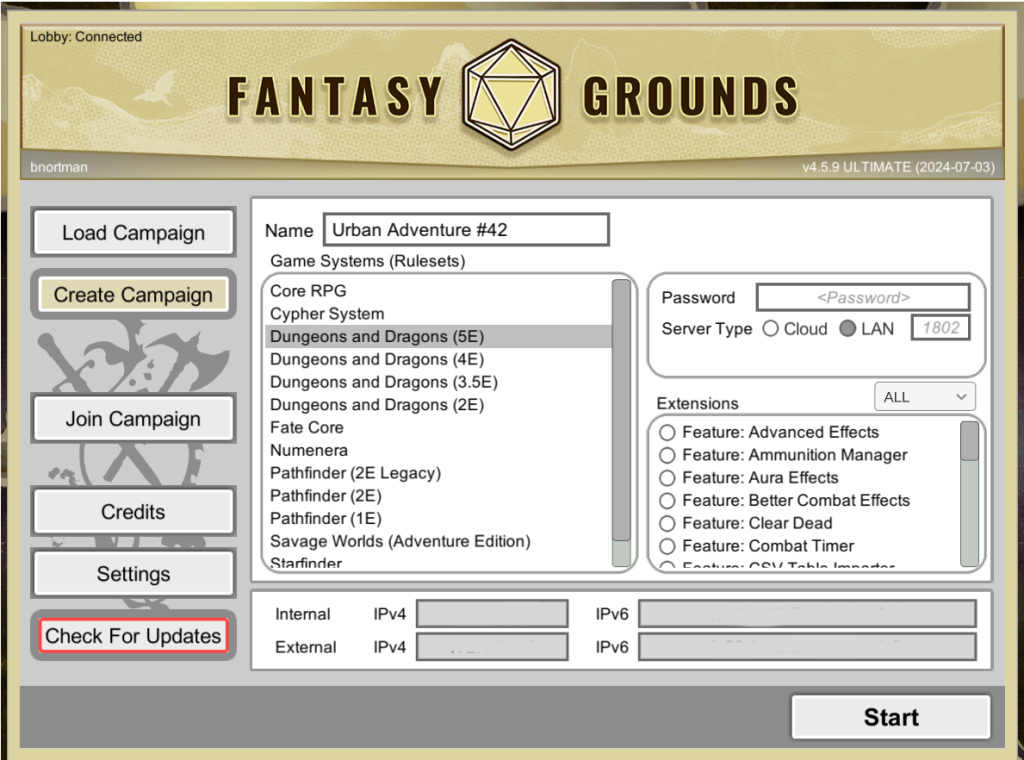
Start Fantasy Grounds: Open the application and select ‘Create a New Campaign’. Name your campaign and load any desired extensions.
Activate the Module:
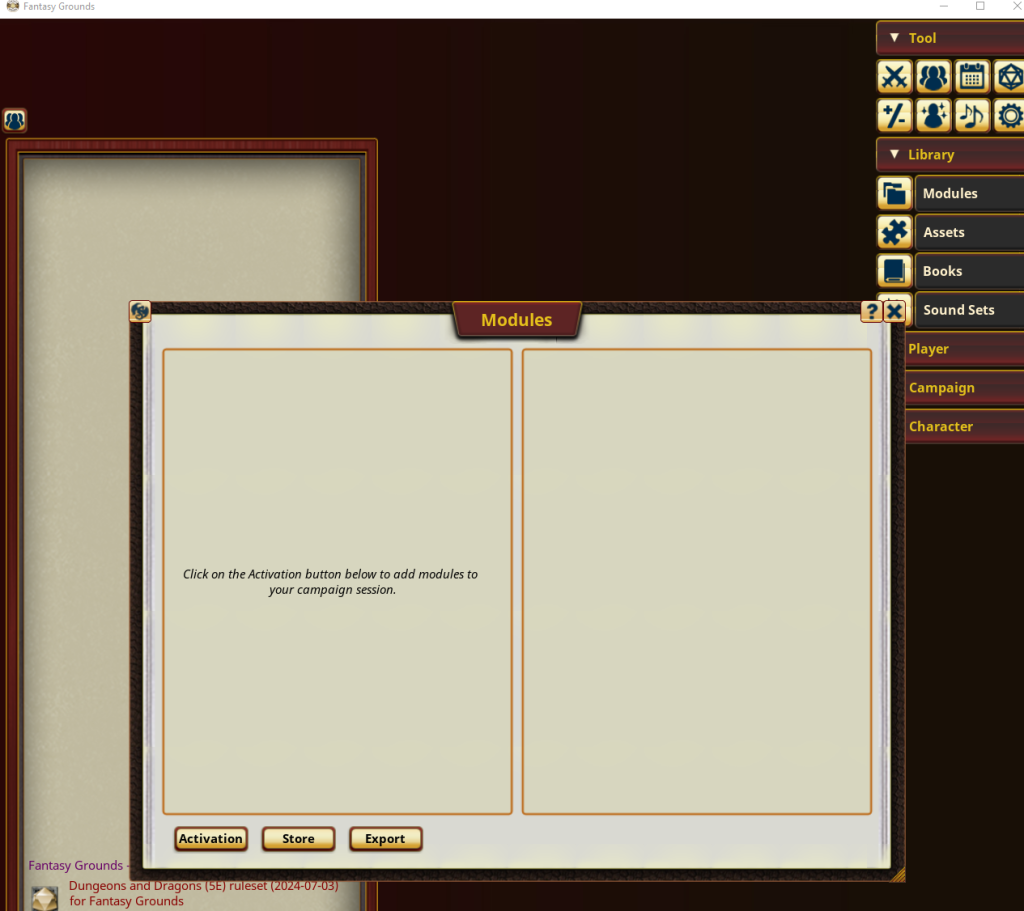
Go to ‘Library / Modules’.
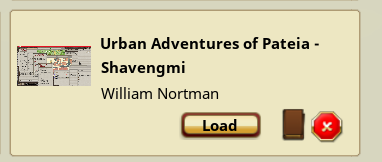
Find “Urban Adventures of Pateia: Shavengmi”, click ‘Load’, and then activate the module.
Step 4: Explore the Module
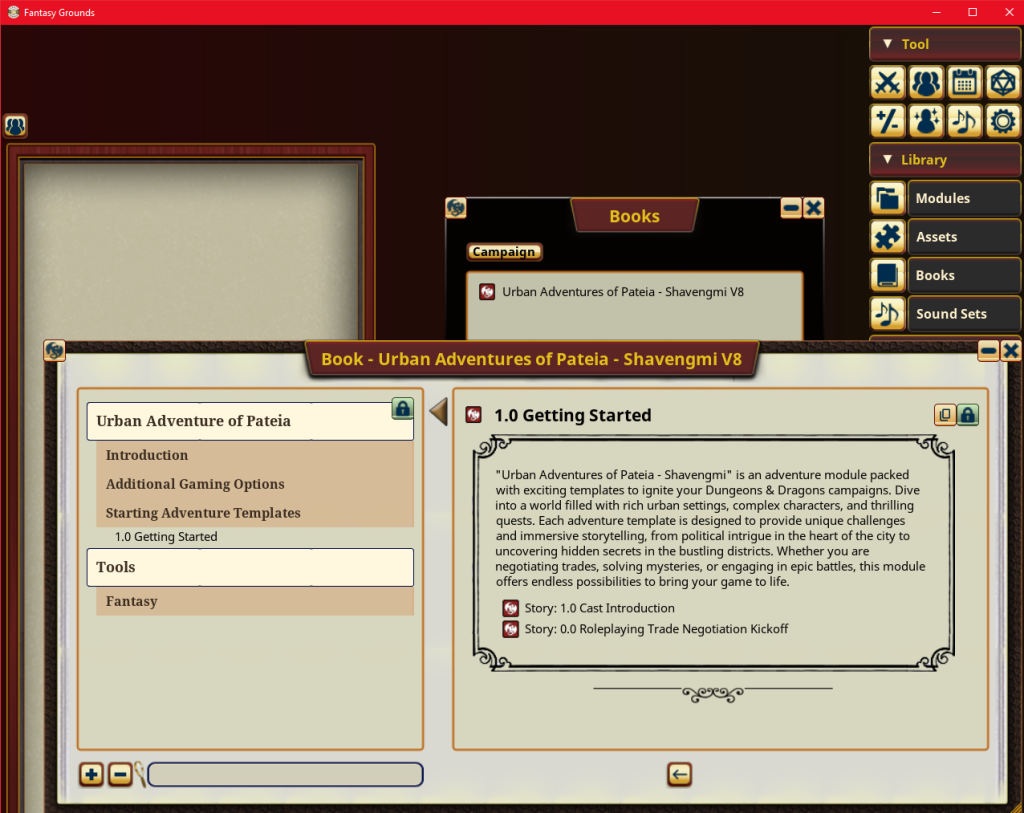
Explore the Library / Books
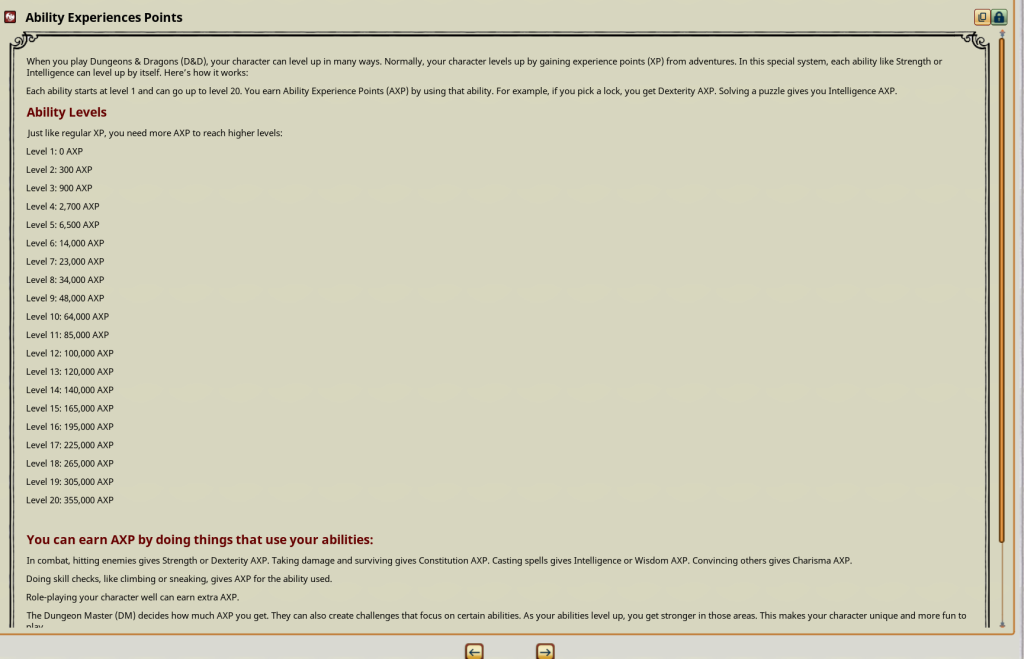
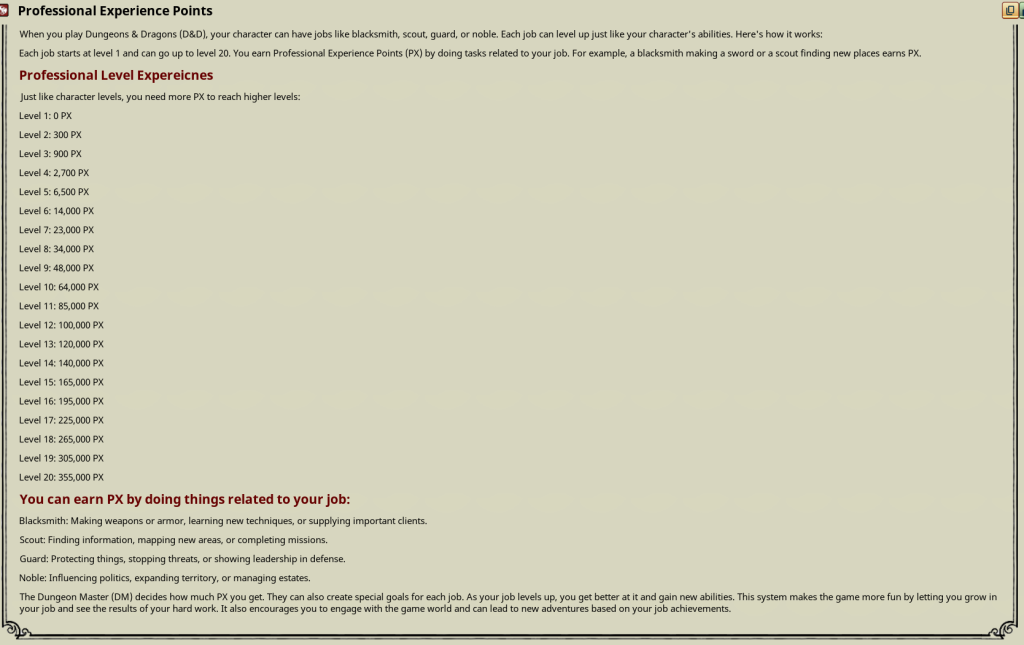
Look into some new ways for your player’s characters to grow with Ability Experience Points and Professional Experience Points.
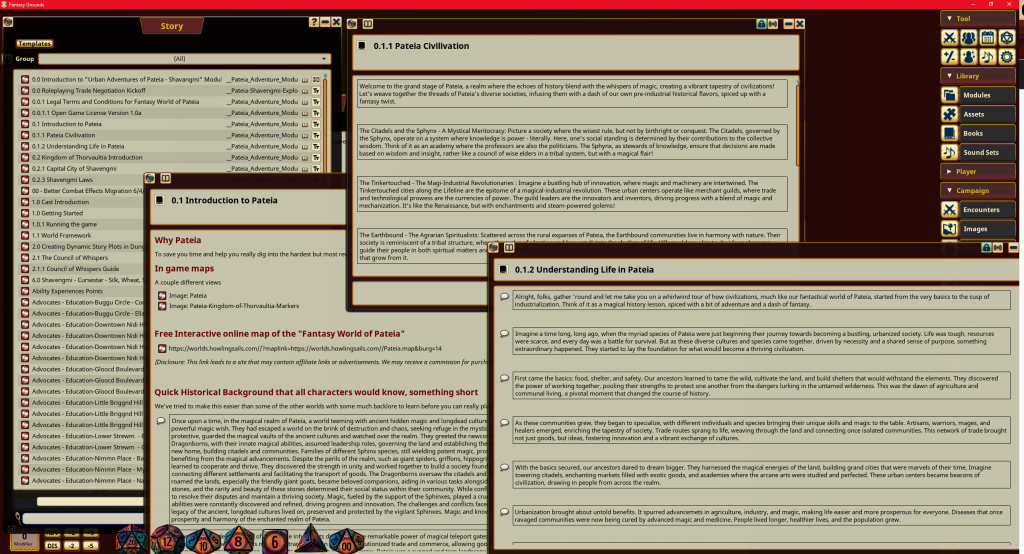
Explorer the details stories designed to get you quickly into the game
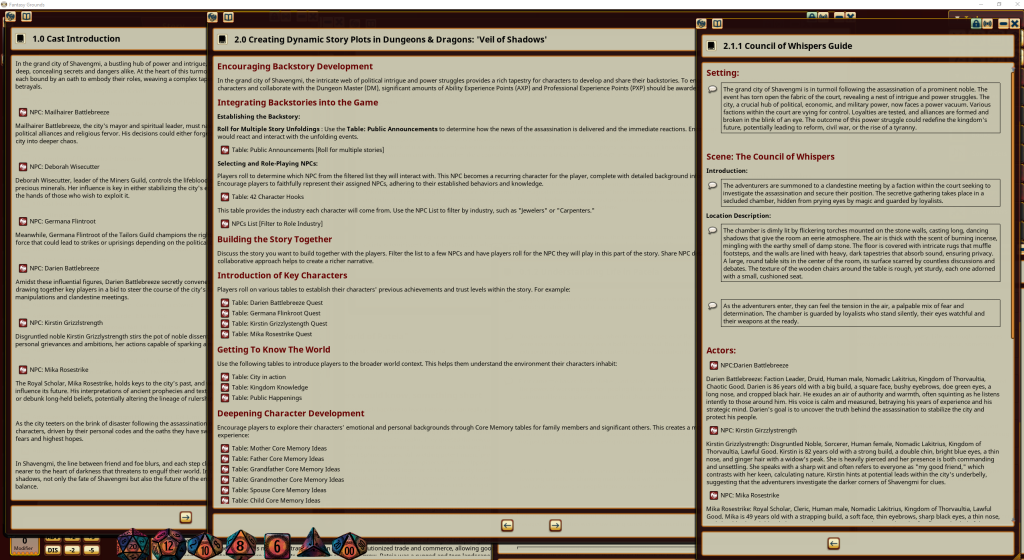
Engage with a political intrigue story starter that provides a set of NPCs for player interaction. Use dynamic tables to rapidly craft imaginative backstories.
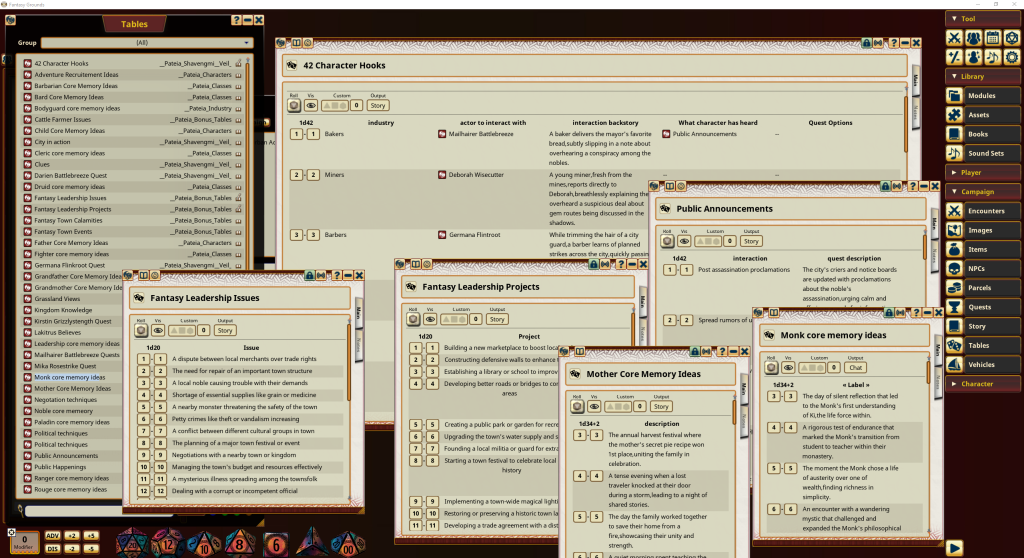
Use the dynamic story tables to help your creativity or force the story in a direction with the role of the die
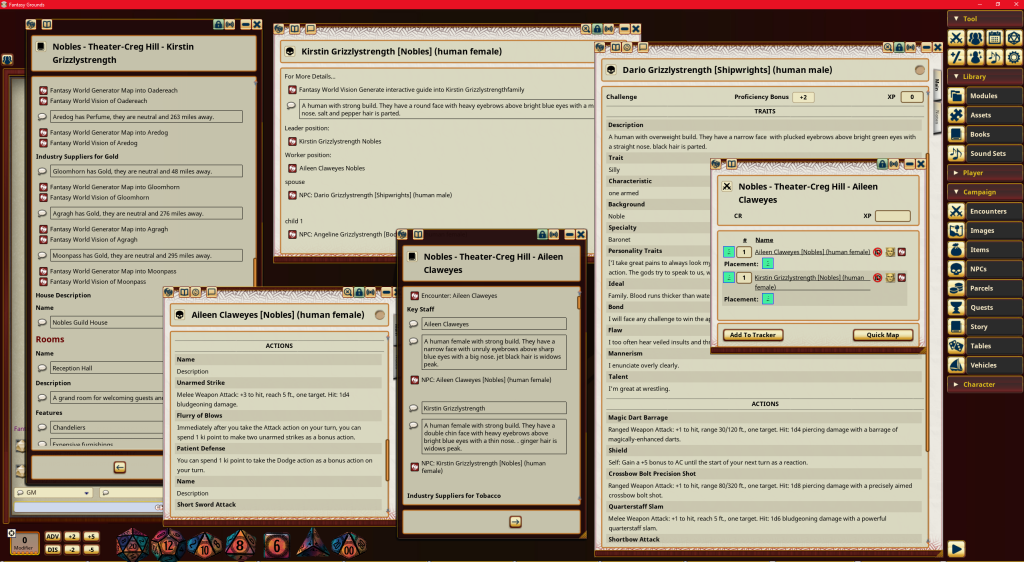
Access a vast library of over 6,000 ready-to-use NPCs, meticulously detailed and interlinked with stories, encounters, and their own relationships.
Step 5: Enhance Your Experience with Expert Tips
- Web DM on Urban Adventures: Watch a clip from Web DM for inspiration on the types of stories you can create in an urban setting. Watch the full video here.
Town Dynamics: Check out a clip from Master the Dungeon on making your town feel alive, essential for immersive urban campaigns. Full video tutorial.
Campaign Plotting: The Fantasy Forge offers excellent advice on plotting your campaign. Here’s a snippet.
Understanding Fantasy Grounds: Matthew Colville discusses key features of Fantasy Grounds, a must-watch to grasp the full capabilities of the tool. Full tutorial.
Why Fantasy Grounds?

Fantasy Grounds simplifies the complexity of role-playing games, making the experience as easy as playing a video game. It’s a powerful tool for managing intricate game mechanics and enhancing player interaction.
For more detailed tutorials and community discussions, visit the Fantasy Grounds forums and YouTube channel. Start your adventure today and transform the way you play!